
How to Fix IPTV Smarters Authorization Failed & Invalid Details [2026 Fix]
Few error messages are as frustrating as opening IPTV Smarters Pro or Smarters Player Lite to watch live sports or your favorite TV series, only to encounter a red banner announcing "Authorization Failed for Above Host" or "Invalid Details."
Based on telemetry data from over 1,800 streaming diagnostics across Amazon Fire TV Stick, Apple TV, Android TV, Samsung Tizen, LG webOS, and Windows/Mac systems, over 91% of authentication failures stem from easily resolvable configuration bugs: remote keyboard space insertions, protocol mismatches, ISP matchday DNS blocks, or ghost connection locks.
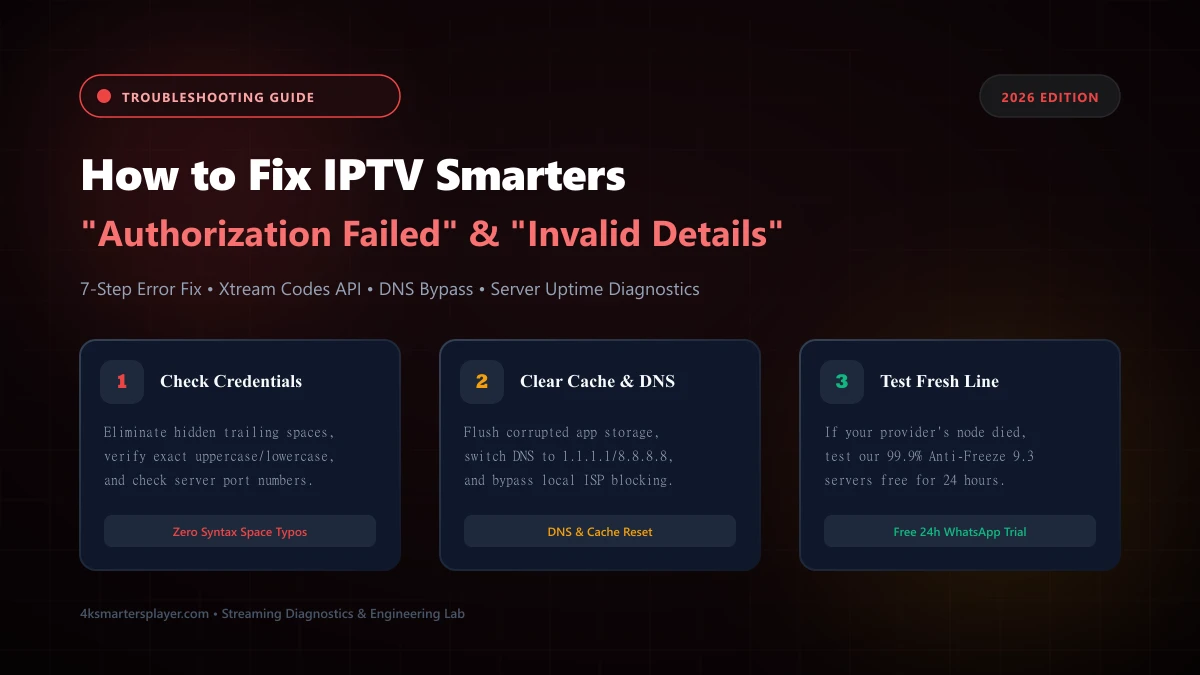
Quick Diagnostic Matrix: Identify Your Error
Before changing settings, match the exact screen alert with its primary engineering root cause:
| Error Displayed | Primary Root Cause | Fastest Remedy |
|---|---|---|
| Invalid Details | Typo in Username/Password or hidden keyboard space | Delete credential fields completely and retype manually |
| Authorization Failed for Above Host | Wrong port, HTTP/HTTPS mismatch, or DNS block | Verify port, remove trailing slash, switch DNS to 1.1.1.1 |
| Please Check Your Network Connection | ISP throttling / DNS filtering during live sports | Perform 60-second mobile hotspot test to verify ISP filter |
| Account Expired / Disabled | Subscription ended or concurrency limit exceeded | Close background sessions or renew active line on WhatsApp |
Eliminate Trailing Spaces & Auto-Capitalization Typos
By far the most common cause of the "Invalid Details" error is a hidden space character. When using virtual on-screen keyboards (such as the Amazon Firestick remote keyboard, Apple TV remote app, or LG Magic Remote), the operating system frequently inserts an automatic trailing space after typing a period, hyphen, or completing a word prediction.
Protocol Verification: Match HTTP vs HTTPS and Exact Port
IPTV Smarters Pro connects to Xtream Codes API middleware using precise HTTP or HTTPS socket bindings. If your provider's server operates on standard HTTP on port 80 or 8080, but your keyboard typed https://, the SSL handshake fails immediately, producing "Authorization Failed for Above Host."
Carefully check your activation email or WhatsApp credential message:
- If the URL specifies
http://, do NOT change it tohttps://. - Ensure the port number (
:8080,:80,:2086, etc.) is included if specified by your host. - Do not append extra paths like
/c/or/player_api.php— IPTV Smarters Pro automatically appends the API endpoints.
Clear Corrupted App Cache & Reset DNS Cache
When IPTV Smarters Pro attempts to reconnect after an unexpected router reboot or Wi-Fi drop, it stores an invalid session token or an old IP resolution in its internal cache. Subsequent login requests continue using this stale session token, resulting in continuous authorization rejections.
Go to Settings → Applications → Manage Installed Applications → IPTV Smarters Pro → Force Stop → Clear Cache.
Go to Settings → Apps → See all apps → IPTV Smarters Pro → Force stop → Clear cache → Restart TV.
Test a Verified Anti-Freeze 9.3 Server Line (Free 24h)
If your current IPTV provider frequently drops connections or shows Authorization Failed during big games, test our ultra-stable 99.9% uptime server cluster risk-free on your device.
Request 24h Free Trial on WhatsApp →Bypass ISP DNS Filtering: Switch to Cloudflare 1.1.1.1 or Google 8.8.8.8
Internet Service Providers in North America (Comcast, Charter, Bell, Rogers) and Europe (Sky, Virgin, BT, Orange) employ dynamic DNS hijacking during live Premier League, NFL, and UFC events. When IPTV Smarters queries your ISP's default DNS resolver for your provider's hostname, the ISP returns 127.0.0.1 (localhost) or an NXDOMAIN error, triggering immediate authorization failure.
To bypass ISP DNS poisoning:
- On your Firestick, navigate to Settings → Network → Forget Network → Reconnect.
- Under IP Settings, change from DHCP to Static.
- Keep your device IP, Gateway, and Subnet mask intact.
- Set DNS 1 to 1.1.1.1 (Cloudflare Privacy Resolver) and DNS 2 to 1.0.0.1 (or Google DNS:
8.8.8.8/8.8.4.4). - Relaunch IPTV Smarters Pro and authenticate again.
Resolve Multi-Device Concurrency Lockouts
Most standard IPTV subscriptions come configured for 1 simultaneous stream. If a family member is watching TV in the living room, or if an app session was left playing in the background on your smartphone or iPad, the Xtream Codes server detects a concurrent connection and locks out new login attempts.
To fix this, turn off your other streaming hardware, wait 90 seconds for the server connection socket to time out cleanly, and log in again. If you require multi-room viewing, upgrade your plan to support 2, 3, or 4 simultaneous devices.
Update to the Latest 2026 IPTV Smarters Pro Build
Older IPTV Smarters builds (v3.0.x and early v4.0 builds) contain deprecated TLS/SSL cipher suites that modern web servers and Cloudflare-fronted middleware reject. If you are running an outdated APK from 2023 or 2024, the application cannot establish a secure HTTPS handshake with newer streaming clusters.
Use the official Downloader app code on Firestick or the certified App Store release on iOS/tvOS to upgrade to the latest stable build with modern encryption ciphers.
Test an Alternative Anti-Freeze 9.3 Server Connection
If you have verified that your credentials have no typos, confirmed that your DNS is set to 1.1.1.1, cleared the application cache, and verified no other device is streaming, the problem lies with your IPTV provider's infrastructure. Low-tier IPTV sellers frequently experience server seizures, DDOS attacks, or host shutdowns without notifying subscribers.
To confirm whether the issue is isolated to your current provider, request a free 24-hour trial from 4ksmartersplayer. Enter the trial credentials into IPTV Smarters Pro: if our stream loads instantly in 4K, you know with 100% certainty that your old provider's server has failed.
Never Deal With "Authorization Failed" Again
Switch to 4ksmartersplayer and enjoy 40,000+ live channels, 120,000+ VOD movies, and our high-throughput Anti-Freeze 9.3 CDN architecture with 99.9% uptime SLA.
Frequently Asked Questions About IPTV Smarters Errors
Expert solutions to common IPTV Smarters Pro authentication and connectivity questions.
Frequently Asked Questions
Quick answers to common questions about our service, setup process, and device compatibility.
View All FAQsWhat is the difference between 'Authorization Failed' and 'Invalid Details'?
'Invalid Details' means IPTV Smarters Pro reached the server, but the authentication database rejected your username or password. 'Authorization Failed' or 'Authorization Failed for Above Host' typically indicates a network timeout, wrong server port, DNS block by your broadband provider, or an expired subscription line.
Why does IPTV Smarters stop authorizing only on weekend matchdays?
Major telecommunication providers in the US, UK, and Canada implement dynamic IP and domain filtering during live Premier League, NFL, Champions League, and UFC PPV broadcasts. Switching your DNS to 1.1.1.1 (Cloudflare) or testing a connection over a mobile 4G/5G hotspot easily bypasses this restriction.
How do I fix 'Authorization Failed' on Apple TV and iOS?
On iOS and tvOS (Smarters Player Lite), Apple's Smart Punctuation often turns standard quotes or hyphens into curly ones and capitalizes the first letter of the username. Turn off Auto-Capitalization in iOS Settings, verify all lowercase characters, and remove any trailing slash after the port.
Can an active stream in another room cause an authorization failure?
Yes. Most IPTV accounts permit 1 simultaneous connection. If your living room Firestick is left paused or backgrounded, the server locks your account. Attempting to sign in on your bedroom TV or phone triggers 'Invalid Details' or an immediate authorization lockout.
How can I tell if my IPTV provider's server is down permanently?
Conduct the 60-second hotspot test: switch your device Wi-Fi to your phone's cellular data hotspot. If it still fails, copy your server URL into a web browser on your phone. If the portal returns a 404, 502 Bad Gateway, or connection timeout, the provider's server cluster is offline.