
How to Install Smarters Player Lite on Apple TV & iOS (2026)
Looking to enjoy ultra-smooth 4K streaming on your Apple TV 4K, iPhone, or iPad? While the Android version is titled "Pro", Apple's App Store officially hosts the application as Smarters Player Lite (developed by WHMCS Smarters). In this 2026 master guide, discover how to download Smarters Player Lite from the tvOS App Store, configure your Xtream Codes API or M3U credentials, eliminate keyboard auto-capitalization errors, and optimize 60FPS sports playback on Apple devices.
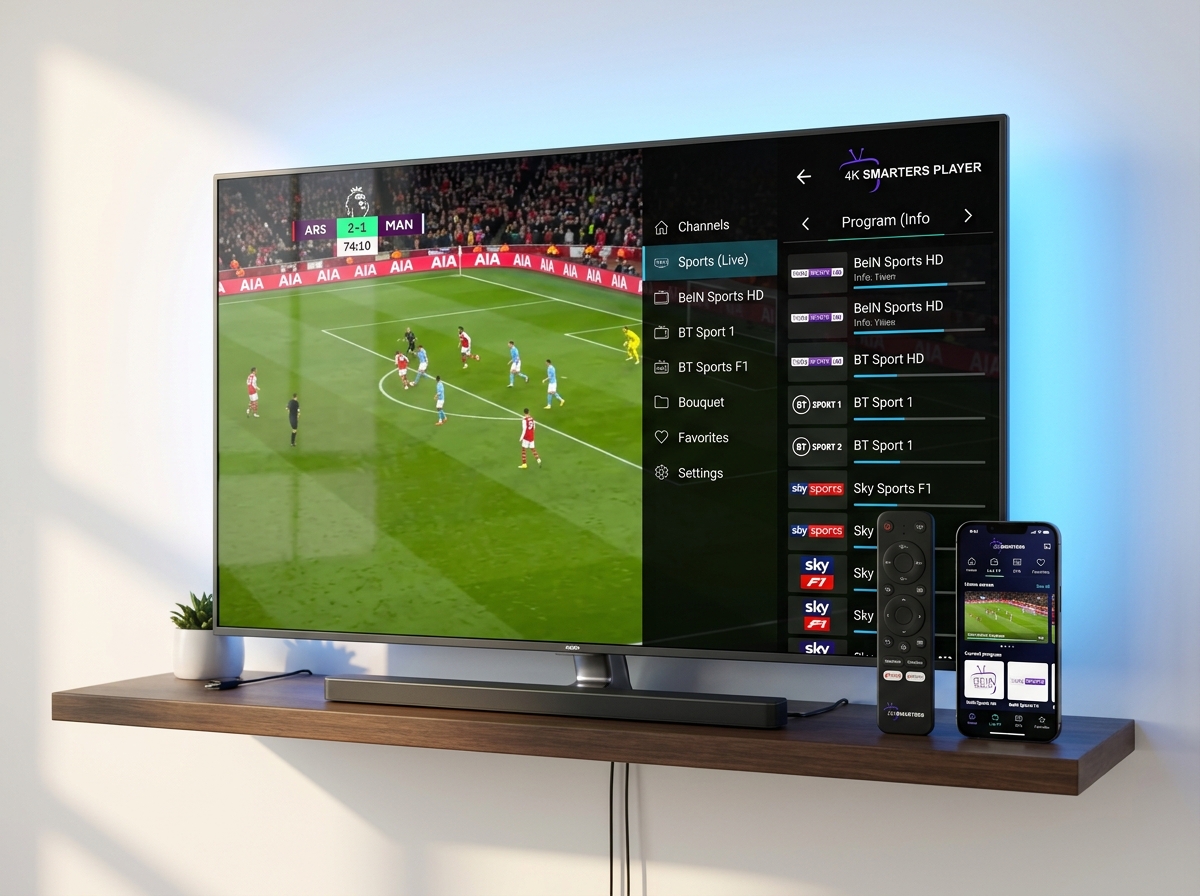
Quick Summary: Smarters Player Lite on Apple Devices
Why Apple TV 4K Is the Ultimate Hardware for Smarters Player Lite
While low-cost streaming dongles often struggle with memory leaks and thermal throttling during 4K sports events, the Apple TV 4K (powered by the A15 Bionic chip) is a technological powerhouse. With 4GB of high-speed unified RAM, hardware-accelerated HEVC / AV1 decoding, and Gigabit Ethernet, Apple TV delivers:
- Instant Channel Switching: Sub-second zapping times between live HD and 4K channels.
- Zero Memory Crashes: Apple TV effortlessly loads playlists with 25,000+ channels without running out of RAM.
- Frame Rate & Dynamic Range Matching: tvOS automatically matches your television's refresh rate (50Hz for European sports, 60Hz for US broadcasts) eliminating motion judder.
- Siri Remote Navigation: Intuitive touch-surface scrubbing through 7-day electronic program guides (EPG).
Step-by-Step: How to Install Smarters Player Lite on Apple TV (tvOS)
Unlike Android devices where users must sideload APKs using the Downloader app, installing on Apple TV is 100% official and safe via the tvOS App Store:
Open the App Store on Apple TV
Navigate to the App Store icon on your Apple TV home screen and select the Search tab.
Search for "Smarters Player Lite"
Type Smarters Player Lite into the search bar. Ensure the publisher listed is WHMCS SMARTERS.
Click "Get" or Download Cloud Icon
Download the app to your Apple TV. The installation will complete in under 15 seconds.
Launch the App & Accept Permissions
Open Smarters Player Lite. Accept the terms of service to reach the Login Screen.
How to Configure Xtream Codes API on Apple TV & iOS
On the welcome screen, select "Login with Xtream Codes API". This connection method provides dynamic categorization and automatic EPG synchronization:
| Field Name | What to Enter | Example Value |
|---|---|---|
| Any Name | A nickname for your playlist (anything you choose) | 4K Smarters VIP |
| Username | Your subscription username (case-sensitive) | user_4k892 |
| Password | Your subscription password (case-sensitive) | pass_abc77 |
| Server URL | Host and port only (NO /get.php or trailing slash) | http://line.streamhost.net:8080 |
If your provider gave you an M3U link starting with get.php?username=, use our free tool on how to convert M3U to Xtream Codes API to parse your exact host, username, and password in one click.
Pro-Tip: Siri Remote Keyboard Shortcut
Entering long server URLs letter-by-letter with the Apple TV Siri Remote can be tedious. Connect your iPhone to the same Wi-Fi network. When you click the Server URL field on your Apple TV, tap the Apple TV Remote notification on your iPhone to paste your credentials instantly using your phone's clipboard!
Troubleshooting: Top 4 Smarters Issues on iOS & Apple TV
Issue 1: "Invalid Details" on iPhone or iPad
Cause: iOS automatically enables Auto-Capitalization and Smart Punctuation in Settings > General > Keyboard. This capitalizes the first letter of your username (e.g. John instead of john) or converts hyphens. Temporarily toggle off Auto-Capitalization or check your case carefully.
Issue 2: Audio Out of Sync on Live Sports Channels
Fix: Apple's native AVPlayer occasionally drifts audio clock sync on 50FPS European sports feeds. Inside Smarters Player Lite on iOS, navigate to Settings > Player Selection and change the engine to VLC Engine or switch Stream Format to HLS. Review our guide to fixing IPTV Smarters audio out of sync.
Issue 3: "Authorization Failed for Above Host"
Fix: This indicates an HTTP syntax typo (such as typing https:// when your provider only supports http://), an accidental trailing space after the port, or local ISP blocking. Consult our step-by-step walkthrough on fixing Authorization Failed on IPTV Smarters.
Issue 4: App Freezing on Launch
Fix: Force close the app on Apple TV by double-clicking the TV / Control Center button on the Siri Remote, swiping up on Smarters Player Lite, and reopening it. If the issue persists, reboot your Apple TV via Settings > System > Restart.
How to Stream via AirPlay from iPhone / iPad to Apple TV
If you have multiple TVs in your household or wish to share a stream from your iPhone without typing credentials into a second device:
- Ensure both your iPhone and your Apple TV or AirPlay 2 Smart TV are connected to the same Wi-Fi network.
- Launch Smarters Player Lite on your iPhone and start playing your favorite live channel or movie.
- Tap the screen to reveal media controls and tap the AirPlay icon (rectangle with triangle).
- Select your Apple TV from the list. The video stream will transfer instantly in full high-definition with remote control enabled on your phone.
Experience Ultra-Smooth 4K Streaming on Apple TV
Pair your Apple TV 4K or iPhone with 4ksmartersplayer's premium anti-freeze network. Enjoy 22,000+ live 4K channels, instant EPG guides, and dedicated high-speed server clusters.
Frequently Asked Questions (Apple TV & iOS Setup)
Is Smarters Player Lite available on Apple TV and iOS in 2026?
Yes. Smarters Player Lite (developed by WHMCS Smarters) is officially available on the Apple App Store for Apple TV (tvOS), iPhone (iOS), and iPad (iPadOS). Search for 'Smarters Player Lite' directly in the App Store to download the verified app.
Why can't I find 'IPTV Smarters Pro' on my Apple TV App Store?
Apple's App Store guidelines require media player apps to adhere to strict copyright and branding terminology. As a result, the developer released the official iOS and tvOS edition under the name 'Smarters Player Lite'. It provides the exact same Xtream Codes API engine, multi-screen, and EPG features as the Pro edition.
How do I easily type long Server URLs with the Apple TV Siri Remote?
Use the Apple TV Remote widget inside your iPhone or iPad Control Center. Whenever a text field appears on your television screen, a keyboard notification pops up on your iPhone, allowing you to copy and paste your Xtream Codes Server URL, Username, and Password in seconds.
Why do I get 'Invalid Details' on Smarters Player Lite for iPhone?
iOS virtual keyboards frequently trigger 'Invalid Details' due to three automatic features: 1) Auto-Capitalization capitalizing the first character of your username, 2) Smart Punctuation converting double-hyphens, and 3) invisible trailing spaces copied at the end of your password. Turn off Auto-Capitalization when logging in.
Can I use AirPlay to stream from iPhone to Apple TV with Smarters Player Lite?
Yes. If your Apple TV model is older or low on storage, you can launch channels inside Smarters Player Lite on your iPhone or iPad and tap the AirPlay icon in the upper-right corner to cast full 4K 60FPS video directly to your Apple TV.