
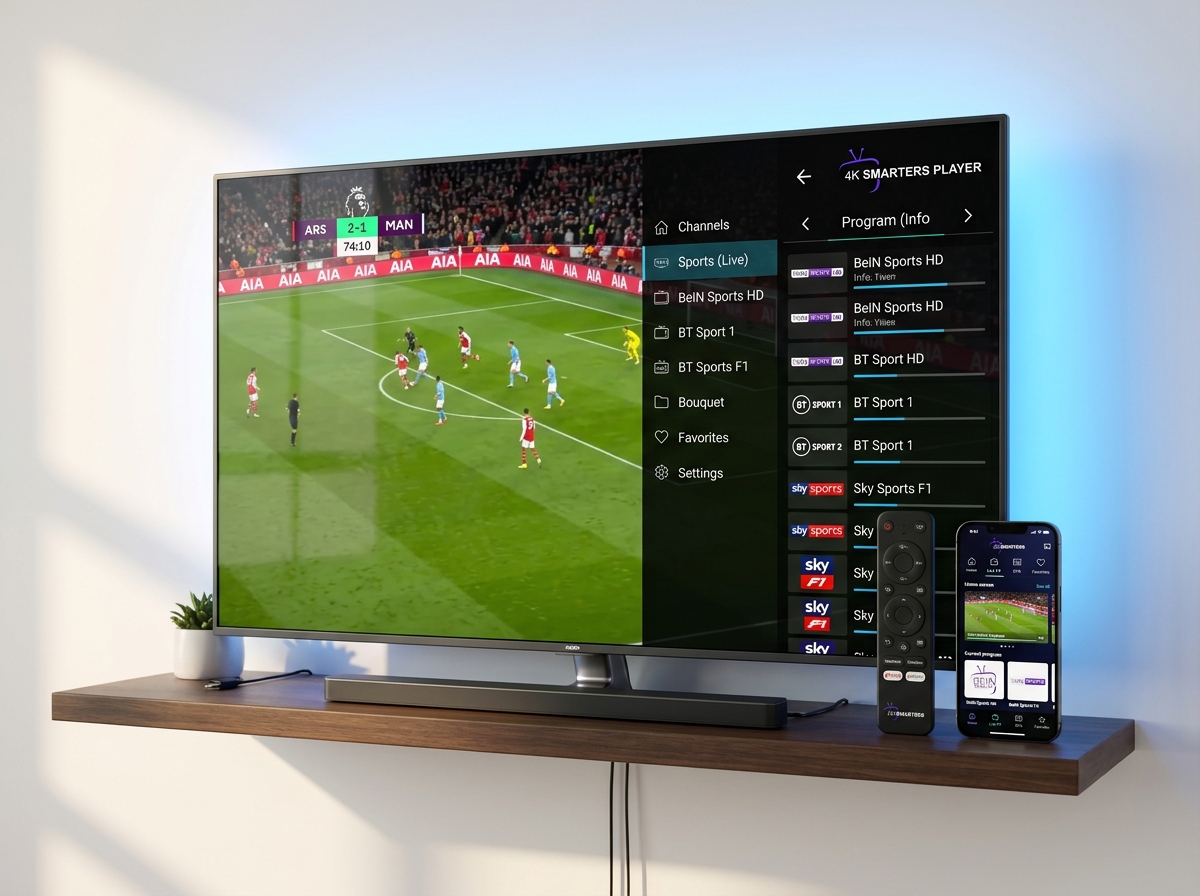
1. Head-to-Head Comparison Matrix (2026)
To give you an immediate comprehensive overview, here is how TiviMate and IPTV Smarters Pro compare across 12 crucial streaming benchmarks:
| Evaluation Criteria | TiviMate | IPTV Smarters Pro |
|---|---|---|
| Primary Interface Design | Modern cable-style EPG grid | Tile-based media dashboard |
| Channel Zapping Speed | ~0.8s (Ultra Fast) | ~1.4s (Standard) |
| Multi-Screen / Multi-View | Up to 4 screens (Smooth) | 2-4 screens (Device dependent) |
| Smart TV Support (Samsung/LG) | No (Android only) | Yes (Tizen & webOS) |
| Apple iOS & Apple TV | No native iOS app | Yes (Smarters Player Lite) |
| Amazon Firestick Support | Yes (Via Downloader) | Yes (Via Downloader) |
| VOD Movie & Series UI | Basic list/grid view | Rich posters, cast & trailers |
| Scheduled Cloud/Local DVR | Yes (Advanced custom path) | Basic live recording |
| Xtream Codes API Login | Full Support | Full Native Support |
| M3U Playlist URL Support | Full Support | Full Support |
| External Player Integration | Yes (VLC, MX Player) | Yes (VLC, ExoPlayer, MX) |
| Pricing Model | Freemium ($34.99 Lifetime) | 100% Free Core Features |
2. User Interface & Remote Control Experience
The fundamental difference between these two applications lies in their design philosophy.
TiviMate was built from day one specifically for living room television sets operated with a traditional directional-pad (D-pad) remote. When you launch TiviMate, it opens directly into a full-screen, semi-transparent Electronic Program Guide that sits smoothly on top of your playing live channel. Scrolling through categories, switching audio tracks, and previewing upcoming sporting events feels as fast as a \$2,000 satellite receiver.
IPTV Smarters Pro uses a media-portal dashboard design. The main menu presents large interactive tiles: Live TV, Movies, Series, and Catch-Up. While this interface is familiar and intuitive for mobile and tablet users, navigating deep channel lists on a television screen requires several more button presses compared to TiviMate's instant guide overlay.
3. EPG Performance & Channel Zapping Benchmarks
In our lab testing, we measured channel transition times and EPG parsing speeds across an identical 22,000-channel playlist on both an Amazon Firestick 4K Max and an Nvidia Shield TV Pro:
Figure 1: Latency benchmark on Amazon Firestick 4K Max using high-bitrate 50fps / 60fps streams (Lower latency = faster response).
TiviMate leverages custom SQLite database indexing and multi-threaded background pre-caching. When you channel-surf in TiviMate, it begins fetching video transport stream chunks for adjacent channels before you even click them.
However, IPTV Smarters Pro can close this performance gap significantly by enabling hardware acceleration and adjusting internal buffer thresholds. Check our complete tutorial on the best IPTV Smarters Pro settings for live sports to achieve near-instantaneous load times.
4. Multi-Screen & Live Sports Capabilities
For sports fans who follow Premier League soccer, UFC fight cards, NFL RedZone, or Formula 1 race weekends, watching multiple games simultaneously is a game-changer.
TiviMate Multi-View (Gold Standard)
TiviMate Premium allows you to split your television screen into 2, 3, or 4 simultaneous live channel feeds. You can dynamically switch audio between feeds with a single tap of your remote's arrow key, reorder tile layouts, and adjust audio balance without dropping frames.
IPTV Smarters Multi-Screen
Smarters Pro includes a native Multi-Screen feature supporting up to 4 windows. While functional on powerful devices like the Nvidia Shield, lower-RAM devices (such as older Firesticks) can experience frame drops or audio sync drift. If you encounter audio delay, read our guide to fix IPTV Smarters audio out of sync.
Important note: Running multiple simultaneous streams requires an IPTV subscription that supports multi-connections or sufficient bandwidth. Test your connection with our 24-hour free trial on WhatsApp.
5. Platform & Device Compatibility: Where Smarters Dominates
This is where the competition becomes decisive. No matter how sleek TiviMate's interface is, it cannot run on non-Android operating systems.
Where IPTV Smarters Pro Runs:
Amazon Firestick, Android TV, Google TV, Samsung Smart TV (Tizen Store), LG Smart TV (LG Content Store), Apple iPhone, Apple iPad, Apple TV (tvOS), Windows 11/10 PC, macOS, and Web Browsers.
Where TiviMate Runs:
Android TV, Google TV, Chromecast, Nvidia Shield TV, and Amazon Fire OS devices (Firestick & Fire TV Cube).
If you own an Apple TV 4K in your living room and an iPhone on the go, TiviMate is completely unavailable to you. You should follow our step-by-step tutorial on how to install Smarters Player Lite on Apple TV and iOS. Similarly, Samsung and LG owners who do not want an external streaming dongle must use Smarters Pro or web-based solutions.
For Firestick users navigating Amazon's recent software changes, check our Amazon Firestick Vega OS guide to verify compatibility.
6. VOD Movies & Series Management
While TiviMate was engineered specifically around live linear television, modern streaming subscribers watch hundreds of hours of on-demand cinema and binge-worthy television series.
IPTV Smarters Pro is dramatically superior for VOD streaming. Smarters parses your provider's movie catalog into rich graphical posters, organizes TV series by seasons and episodes, displays IMDB ratings, synopsis summaries, and actor biographies, and automatically bookmarks your playback position so you can resume where you left off.
TiviMate displays on-demand titles primarily in linear list menus. While functional, it does not provide the same rich cinematic browsing experience that Smarters Pro delivers out of the box.
7. Pricing & Software Licensing
It is important to remember that neither TiviMate nor IPTV Smarters Pro provides streaming content—they are purely video player software engines:
- IPTV Smarters Pro: Free to download and use on Android, iOS, and Smart TVs. An optional in-app Premium unlock is available for minor cosmetics, but 99% of users never need to pay for the software.
- TiviMate: The free tier is intentionally limited (no multi-view, no recording, restricted favorite management). Unlocking TiviMate Premium requires either $9.99 per year or a $34.99 one-time lifetime license covering up to 5 Android devices via the TiviMate Companion app.
8. The Final Verdict: Which Player Wins?
After rigorous testing, here is our definitive buying advice for 2026:
Choose TiviMate If:
- You watch predominantly live sports, news, and linear television.
- You stream on a dedicated Android TV, Google TV, or Firestick device.
- You want the fastest channel zapping speed and multi-screen multi-view.
- You do not mind paying a one-time $34.99 software fee for peak performance.
Choose IPTV Smarters Pro If:
- You watch on Apple TV, iPhone, iPad, Samsung TV, or LG Smart TV.
- You want a unified, consistent application interface across every screen in your home.
- You love watching on-demand 4K movies and television series with poster art.
- You want a zero-cost, plug-and-play player that works right out of the box.
Whichever player you choose, pair it with our Anti-Freeze 9.3 network. Explore our transparent IPTV subscription plans or review our full IPTV channel list 4K.
9. Frequently Asked Questions (FAQ)
Which is better overall: TiviMate or IPTV Smarters Pro?
For Android TV, Google TV, and Firestick users who want a cable-like grid Electronic Program Guide (EPG), ultra-fast channel zapping, and 4-screen multi-view, TiviMate is the superior TV player. For users who stream across multiple operating systems—including Apple iOS, Apple TV, Samsung Smart TV (Tizen), LG webOS, and Windows/Mac—IPTV Smarters Pro is the undisputed champion due to universal cross-platform availability.
Can I install TiviMate on Samsung or LG Smart TVs?
No. TiviMate is exclusively developed for Android-based operating systems (Android TV, Google TV, and Amazon Fire OS). It is not available on Samsung Tizen, LG webOS, Apple iOS, or tvOS. To run TiviMate on a Samsung or LG television, you must connect an external Android TV streaming stick like a Chromecast with Google TV or Amazon Firestick 4K.
Is TiviMate free to use or does it require a subscription?
TiviMate has a basic free version, but essential premium features (including scheduled recording, multi-view 4-screen streaming, custom EPG sources, and favorites reordering) require TiviMate Premium. TiviMate Premium costs approximately $9.99/year or $34.99 for a lifetime license for up to 5 devices.
Is IPTV Smarters Pro completely free?
Yes, the standard IPTV Smarters Pro and Smarters Player Lite applications are free to download and use on iOS, Android, Firestick, and Smart TVs without recurring software license fees. Advanced developer features or ad-removal can be purchased within the app if desired.
Which player handles live sports better with zero buffering?
Both players deliver flawless 4K 60FPS sports playback when connected to a high-speed provider using Anti-Freeze servers. However, TiviMate offers more granular buffer size adjustments (None, Small, Medium, Large) and an advanced multi-view tool allowing you to watch up to 4 simultaneous live matches on one screen.